TypeScript SDK and CLI
npm i -g commandagi — the commandagi command (whoami, threads, call any tool) and the SDK for Node 22 and later. Version 0.4.1, MIT.
Download
The desktop app is the workbench with this computer's host inside — it reaches the serial ports, cameras and network machines next to you. Here is exactly what is published today.
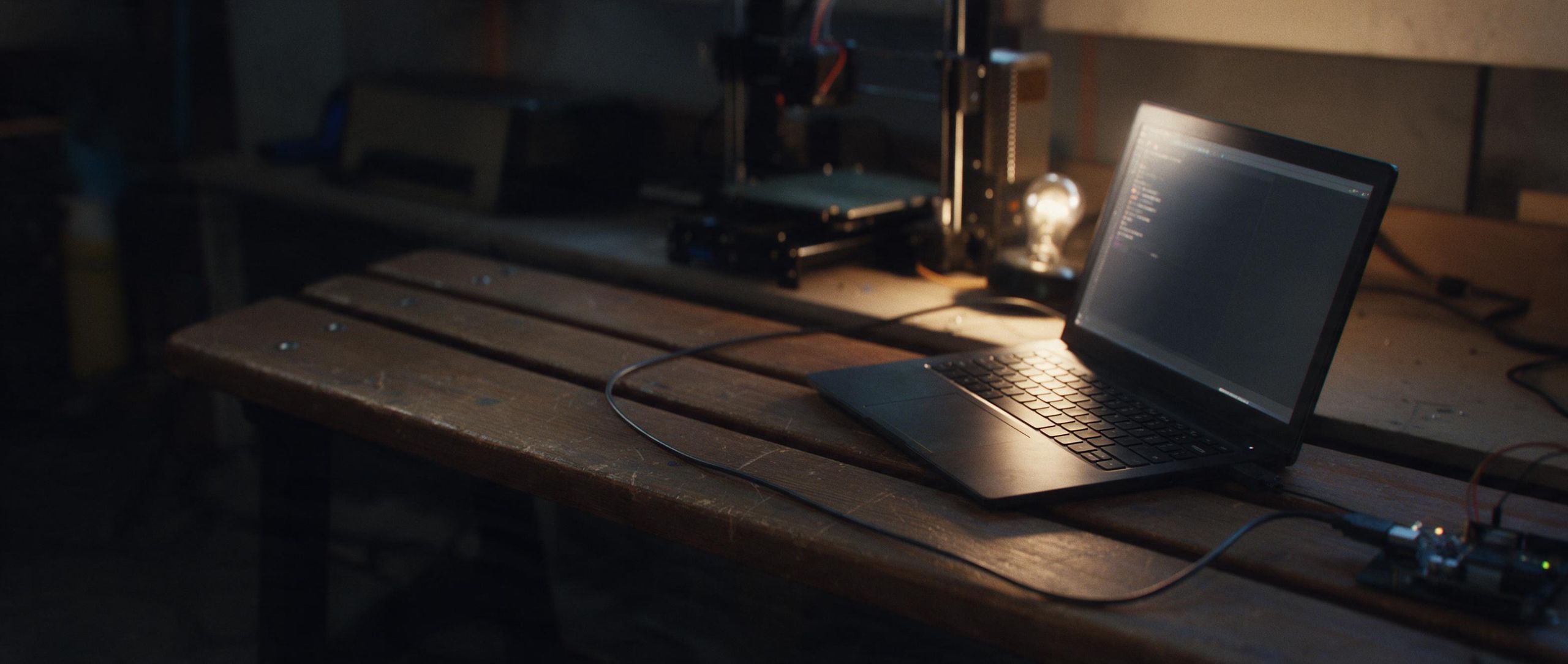
Plate 09 · A laptop on the bench, a USB cable running to a controller board
The workbench, plus the host for this computer: one program. It updates itself where the format allows (the AppImage), and offers a download where it does not.
| Platform | Format | Status | Download |
|---|---|---|---|
| Linux arm64 | AppImage | Available | Download |
| Linux arm64 | .deb | Available | Download |
| Linux x64 | AppImage · .deb | Not built yet | |
| macOS Apple silicon and Intel | .dmg | Not built yet | |
| Windows x64 | Installer | Not built yet |
# Debian, Ubuntu and derivatives
sudo apt install ./commandagi-0.1.0-linux-arm64.deb

# any distribution
chmod +x commandagi-0.1.0-linux-arm64.AppImage
./commandagi-0.1.0-linux-arm64.AppImage
Check a download against the SHA-256 above with sha256sum <file>.
Command line and SDKs
npm i -g commandagi — the commandagi command (whoami, threads, call any tool) and the SDK for Node 22 and later. Version 0.4.1, MIT.
pip install commandagi — the same client for Python 3.9 and later. Version 0.4.0.
Point any MCP client at https://api.commandagi.com/mcp with an API key. Nothing to install. How
The host that drives machines on this computer runs inside the desktop app today. Its standalone command line — commandagi daemon, grant and mcp — is not published as a package yet.
The workbench runs in your browser, with nothing to install. Machines on USB connect from the page itself, in browsers with WebSerial.