Saltar al contenido
CommandAGI · commandagi.com/explore/make
From idea to something real.
Design it, build it, and bring it to life. From your first sketch to the finished product.
Describe it. Watch it take shape.
See it happen.
- Wanted
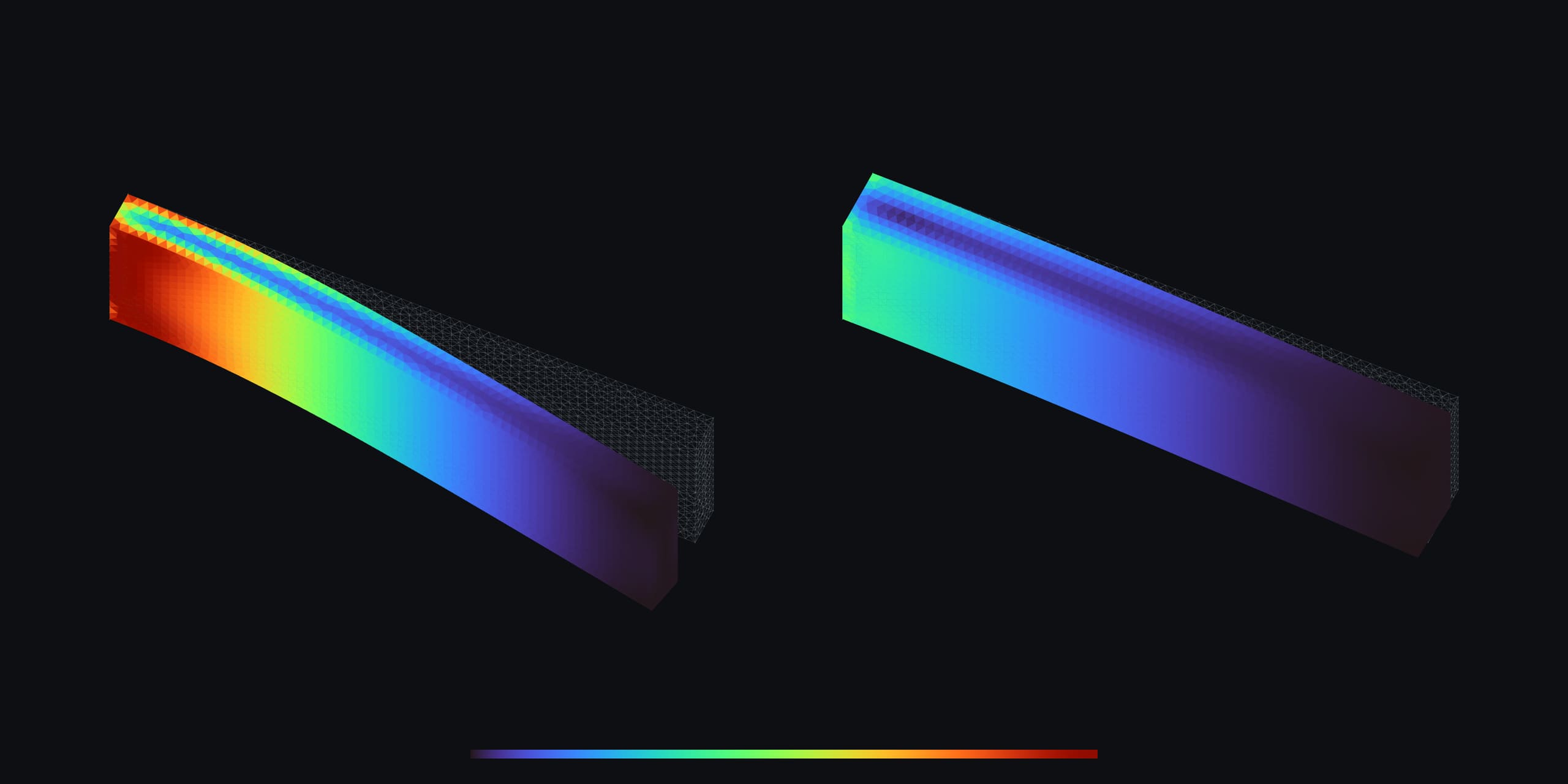
- A gripper jaw that holds its grip without bending more than 2 mm.
- What we did
- Tested the first design, found it bent 8.7 mm, and made it thicker until every check passed.
- The result
- A 6.625 mm jaw that bends 1.95 mm. Twenty-four solves in 84 seconds.
A simulation. The study and its run are in the example files.
Read the whole caseOpen the study
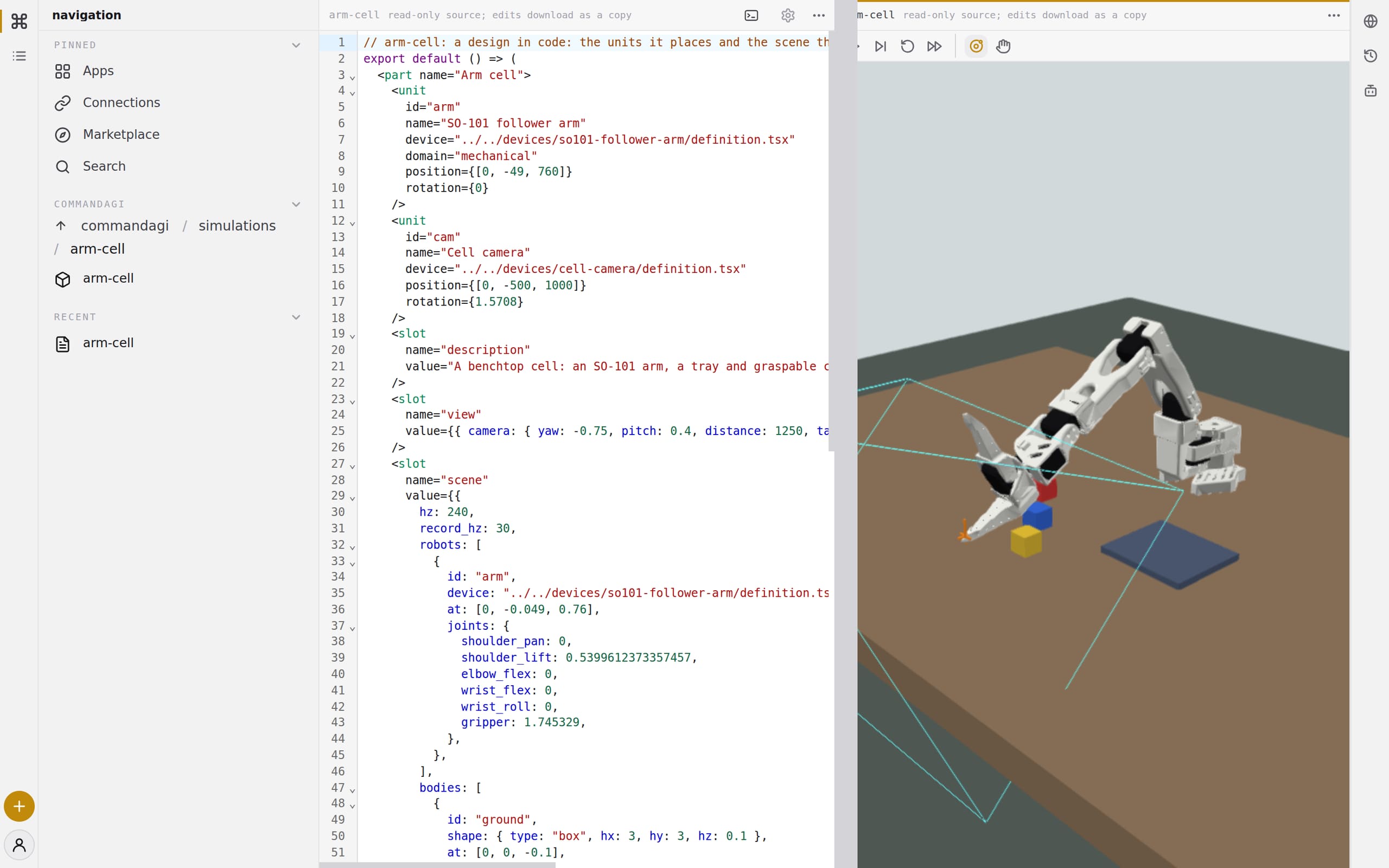
- Wanted
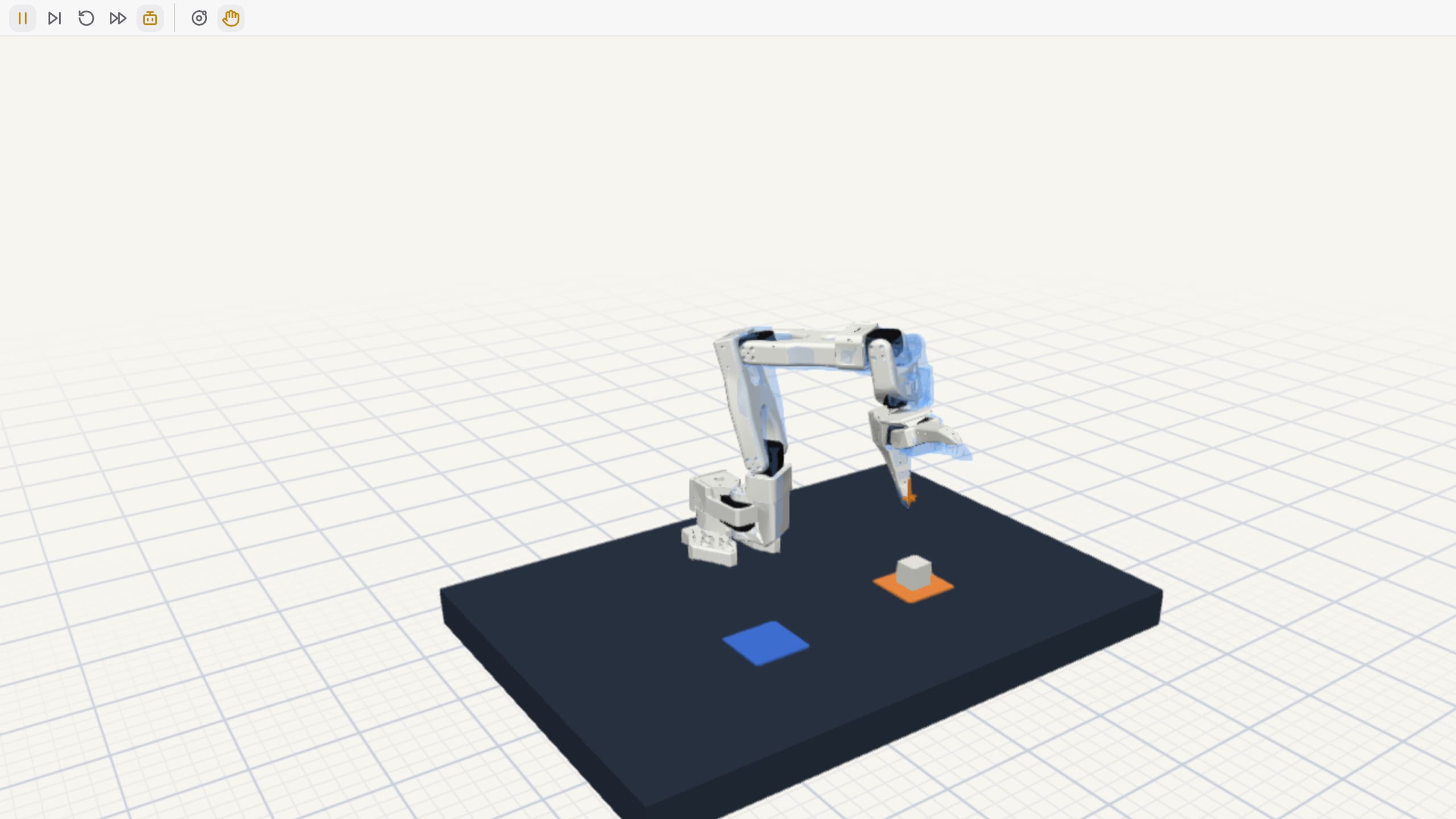
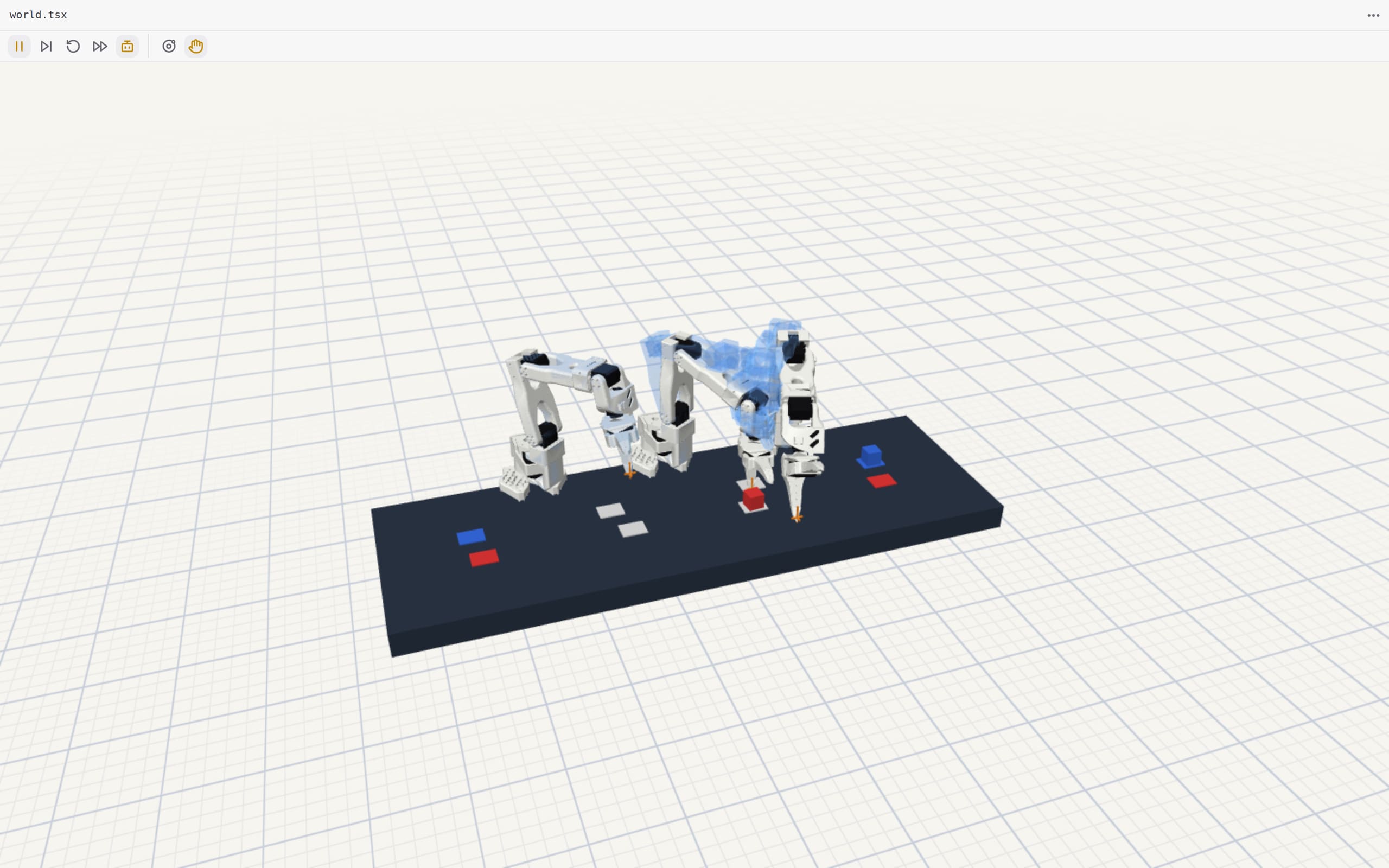
- A robot arm that picks up cubes it has never seen.
- What we did
- Let the arm practise in simulation, scored every try, and trained it on its own best runs.
- The result
- From 0 to 40 of 50 new cubes in six rounds.
A simulation: 742 recorded runs.
Read the whole casePull the cube
- Wanted
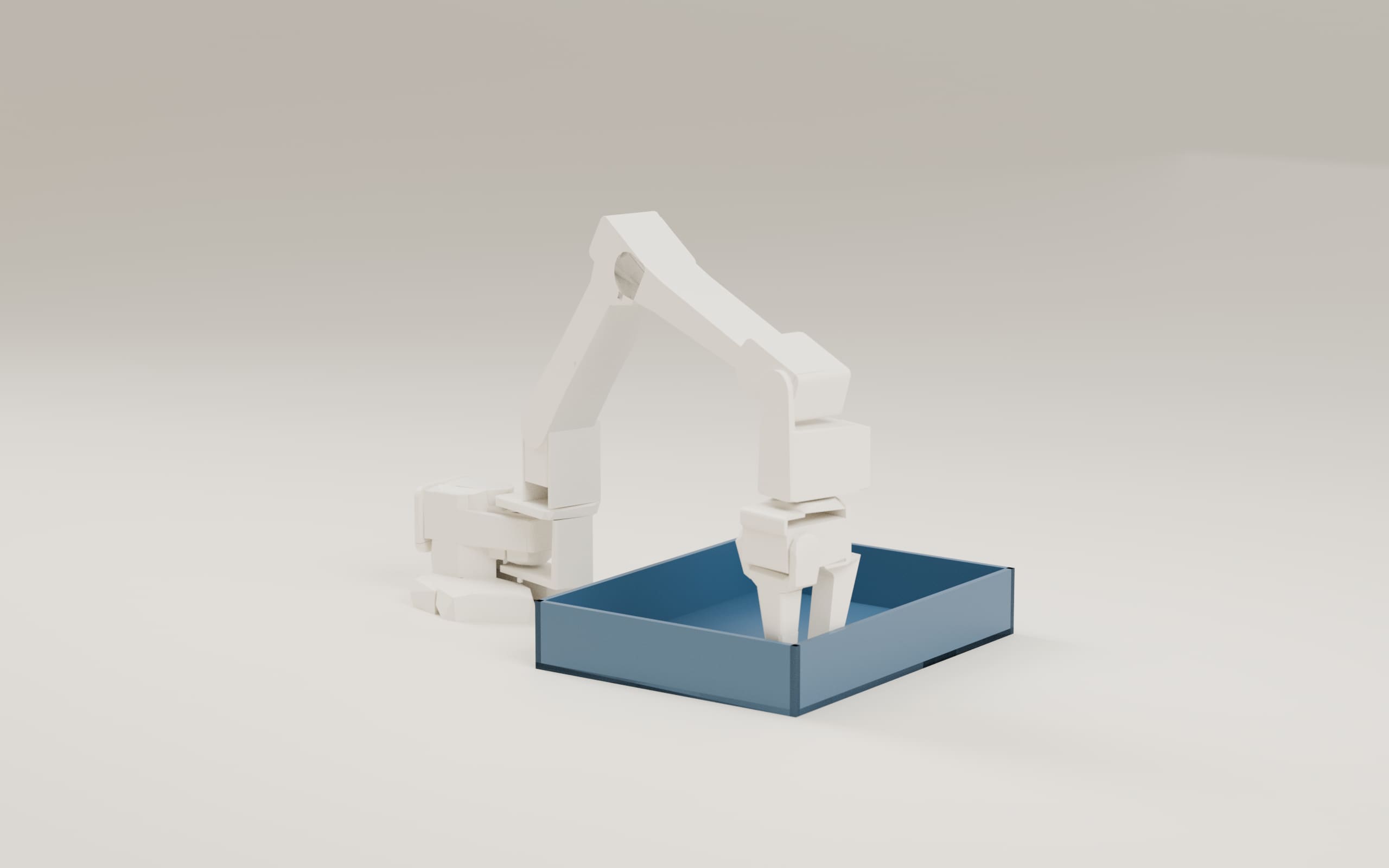
- The best version of a robot arm for one job.
- What we did
- Tried eighteen versions of the arm in simulation and kept the one that did best.
- The result
- One winning design, with the run that chose it on the record.
A simulation.
Read the whole caseOpen the run
See every demonstration
What you can make.
- Learning from every runA robot gets better by practising: it learns from its own recorded runs
- Code sandboxesRun code safely: the same part in TypeScript, Python and Rust
- One file per designAn agent writes the whole design as one file, not a thousand small calls
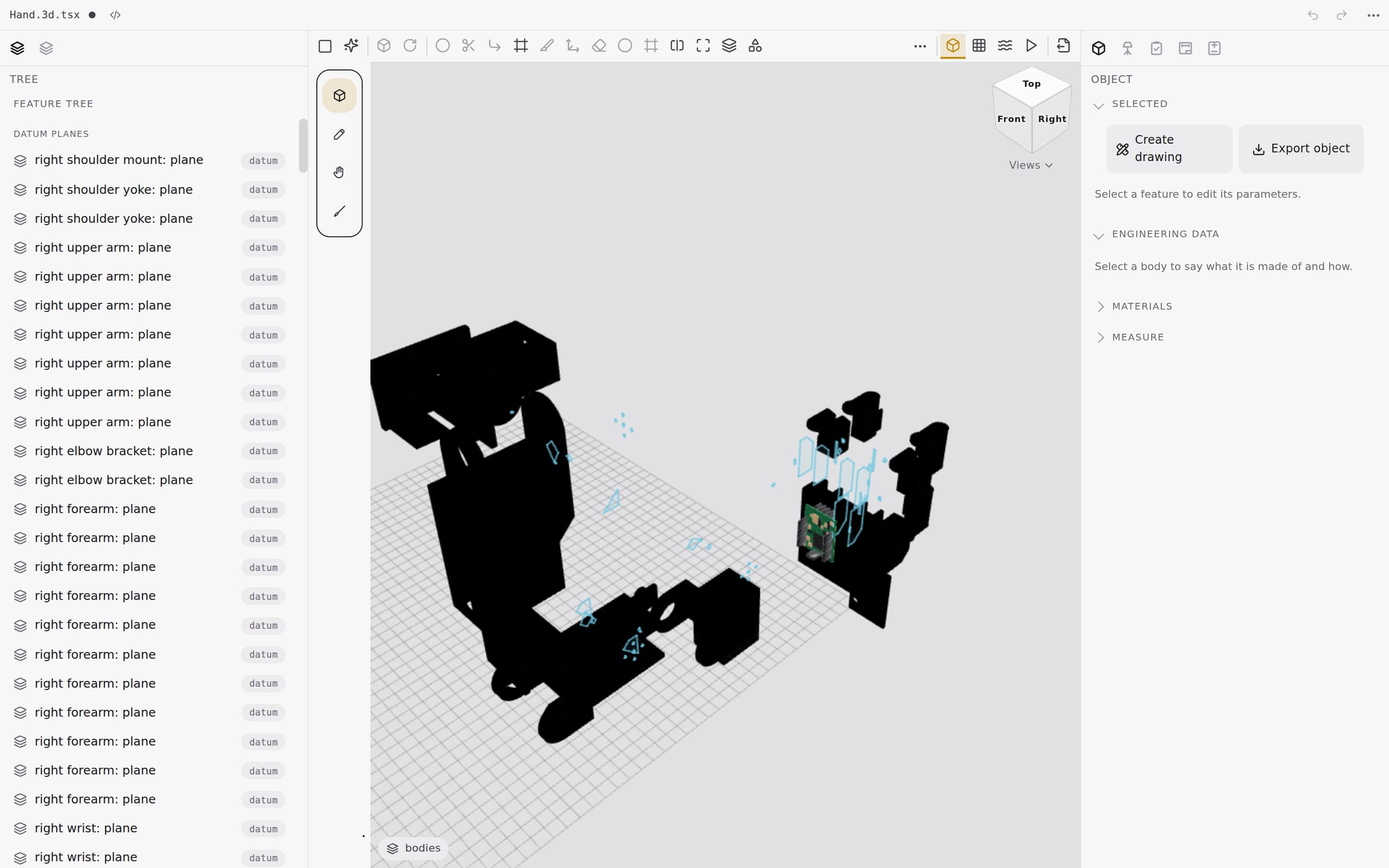
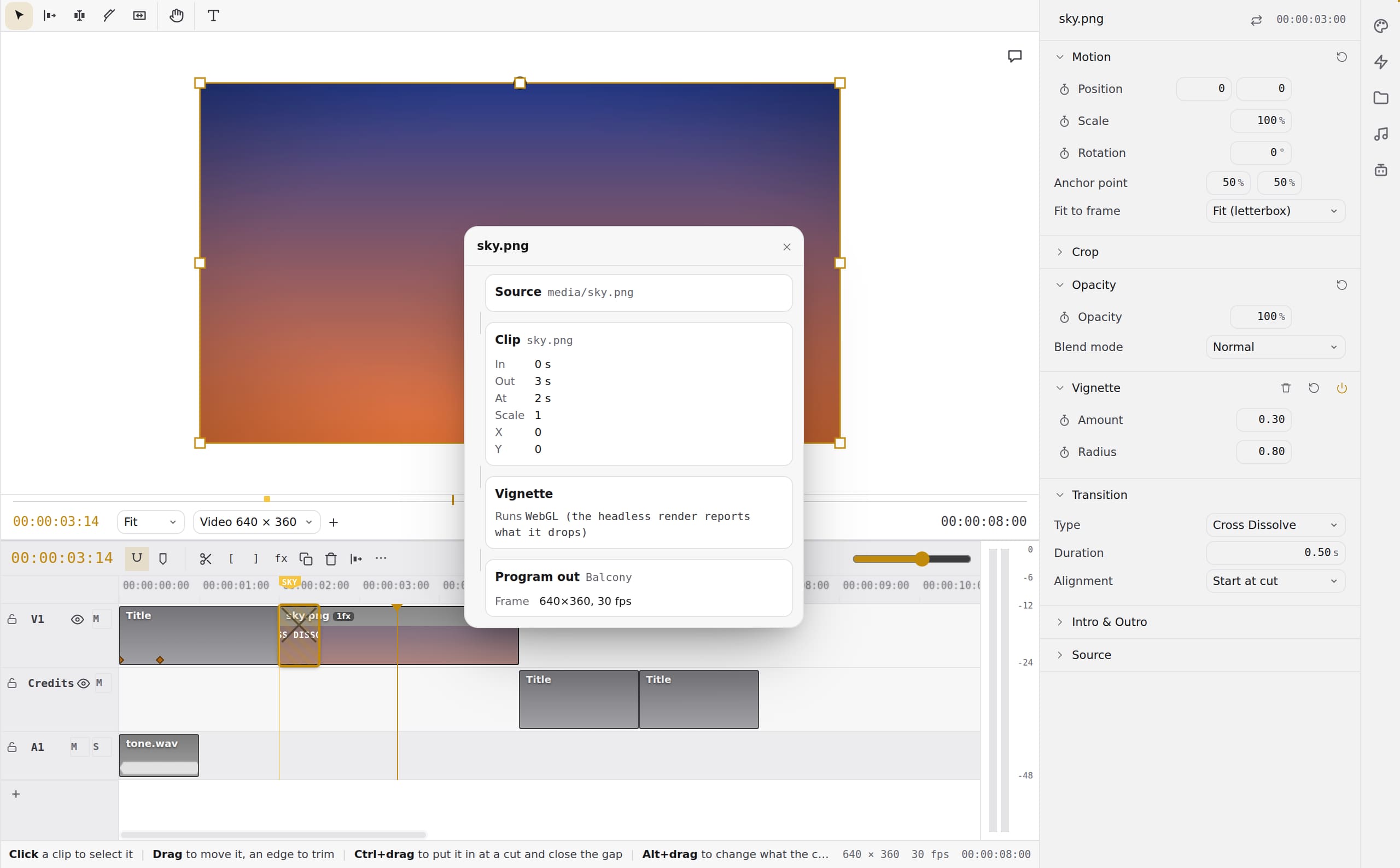
- 3D CADDesign parts and assemblies; every edit lands in one file
- Arm designEighteen versions of a robot arm, tried in simulation to find the best
- The geometry gateThe shapes are checked: 50 of 57 fixtures pass, with one answer every time
- Strength studiesWrite a part's limits; get the part that meets them
- OpticsTrace light through a lens, ray by ray
- Toolpaths (CAM)Turn a design into the moves a mill makes
- Can it be made (DFM)Find what will go wrong before the print
- DrawingsAn engineering drawing that follows the model
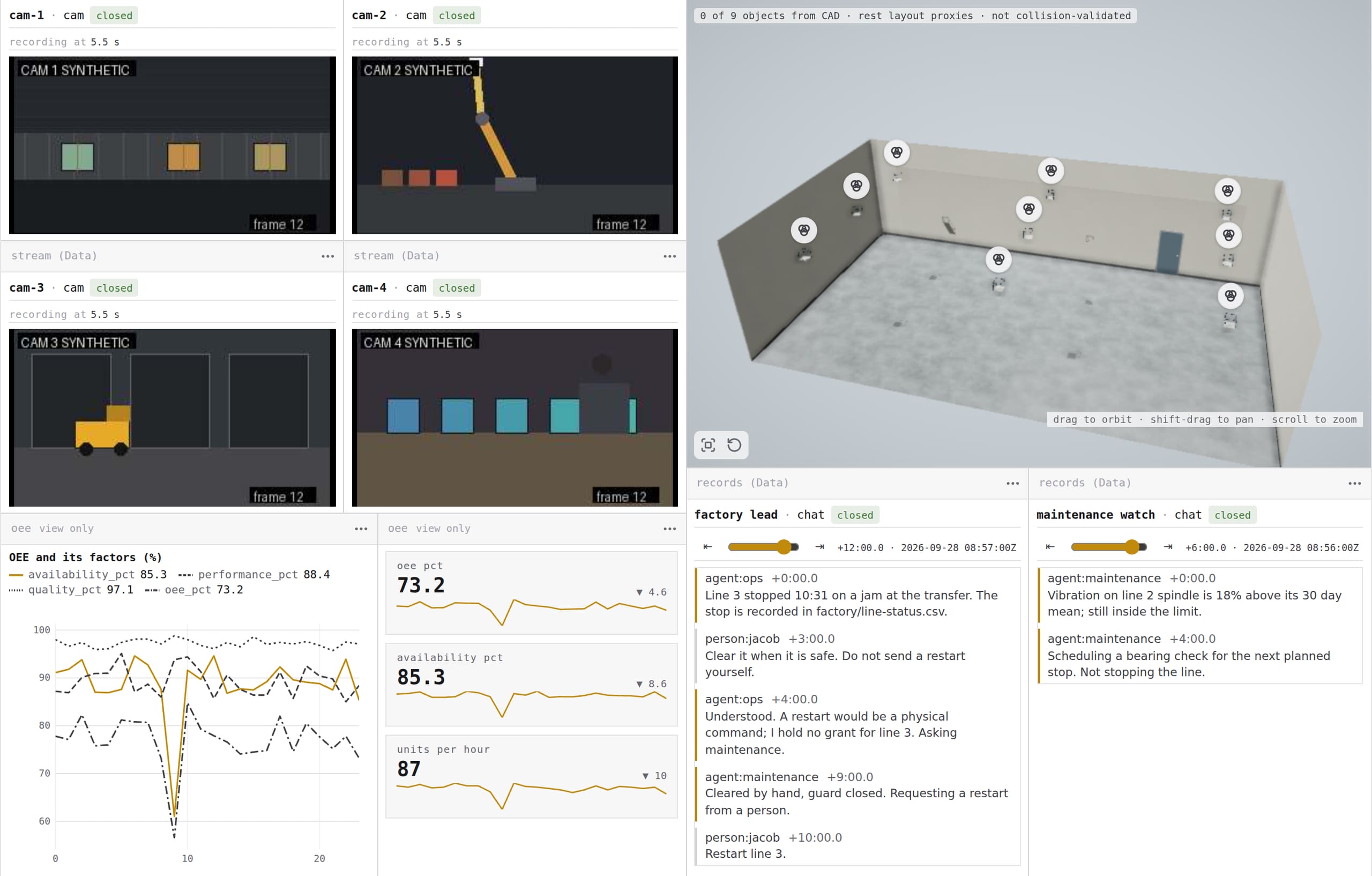
- Robot cellsSeveral robots working together, tried in simulation first
- AssemblyA robot puts a product together, part by part
- Physics worldsWorlds with real physics, running in your browser
- DriversConnect the machines you have: printers, mills, arms, cameras
- Robots by voiceTell a robot what to do, out loud
- SlicingGet a part ready for the printer
- NestingFit the most parts on each sheet
- Parts and pricesEvery part of a design, with its price and where to buy it
- Websites and domainsA folder becomes a website, on your own domain
- SellingSell what you make: a listing, its orders and its payouts
- Circuit boardsA circuit board in code, with its fields simulated
- CommissioningA machine is trusted only as far as it was tested
- Machine libraryFactory machines as working 3D models, ready to place
- HumanoidsA humanoid hops, gets pushed and recovers, in simulation
- From a sentence to a robotSay what you want; get a robot designed, proved and priced
- Print jobsA print job checked on every printer before any of them starts
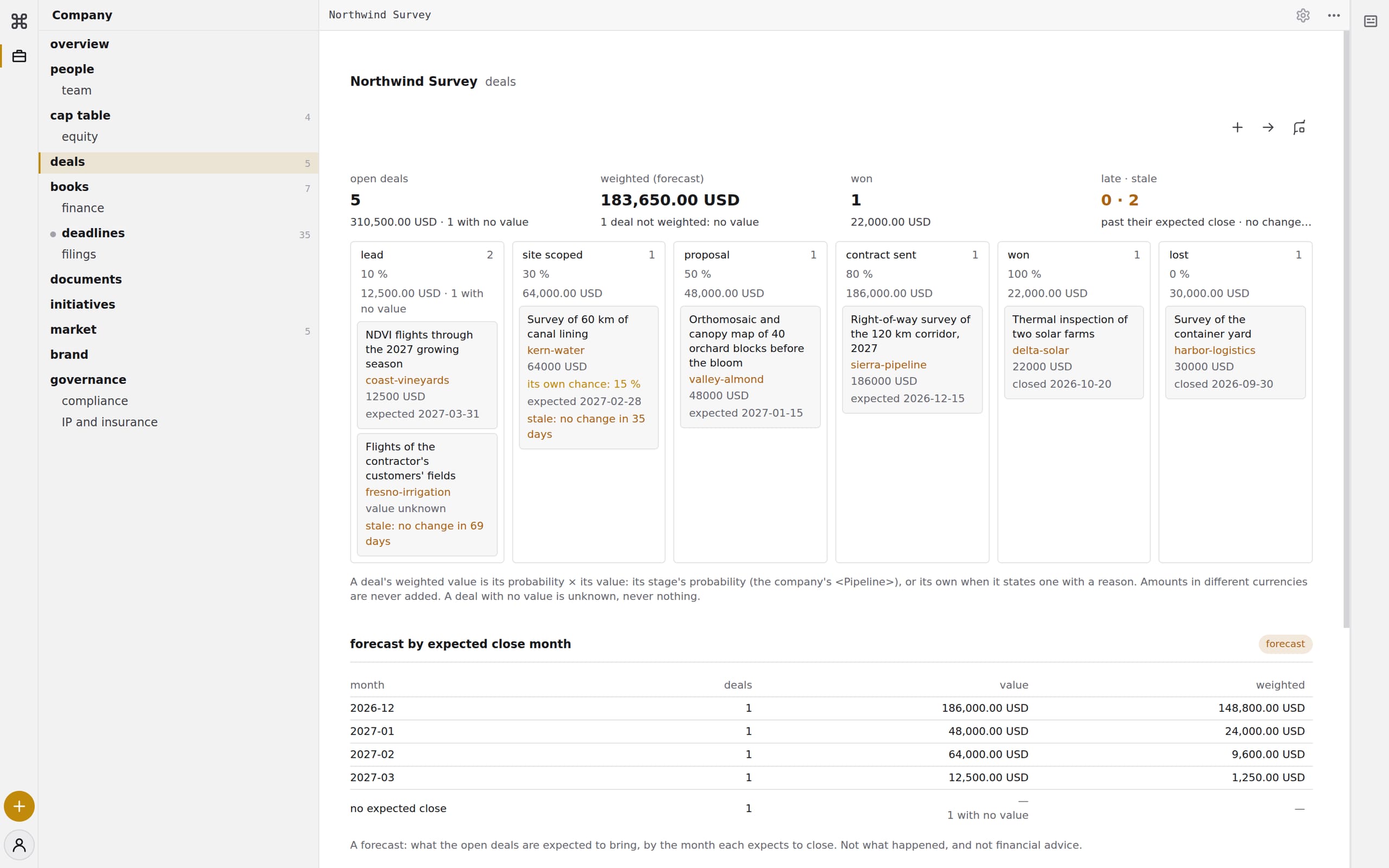
- A business from a sentenceDescribe an idea; get the storefront, the checkout and the launch VibeStartup
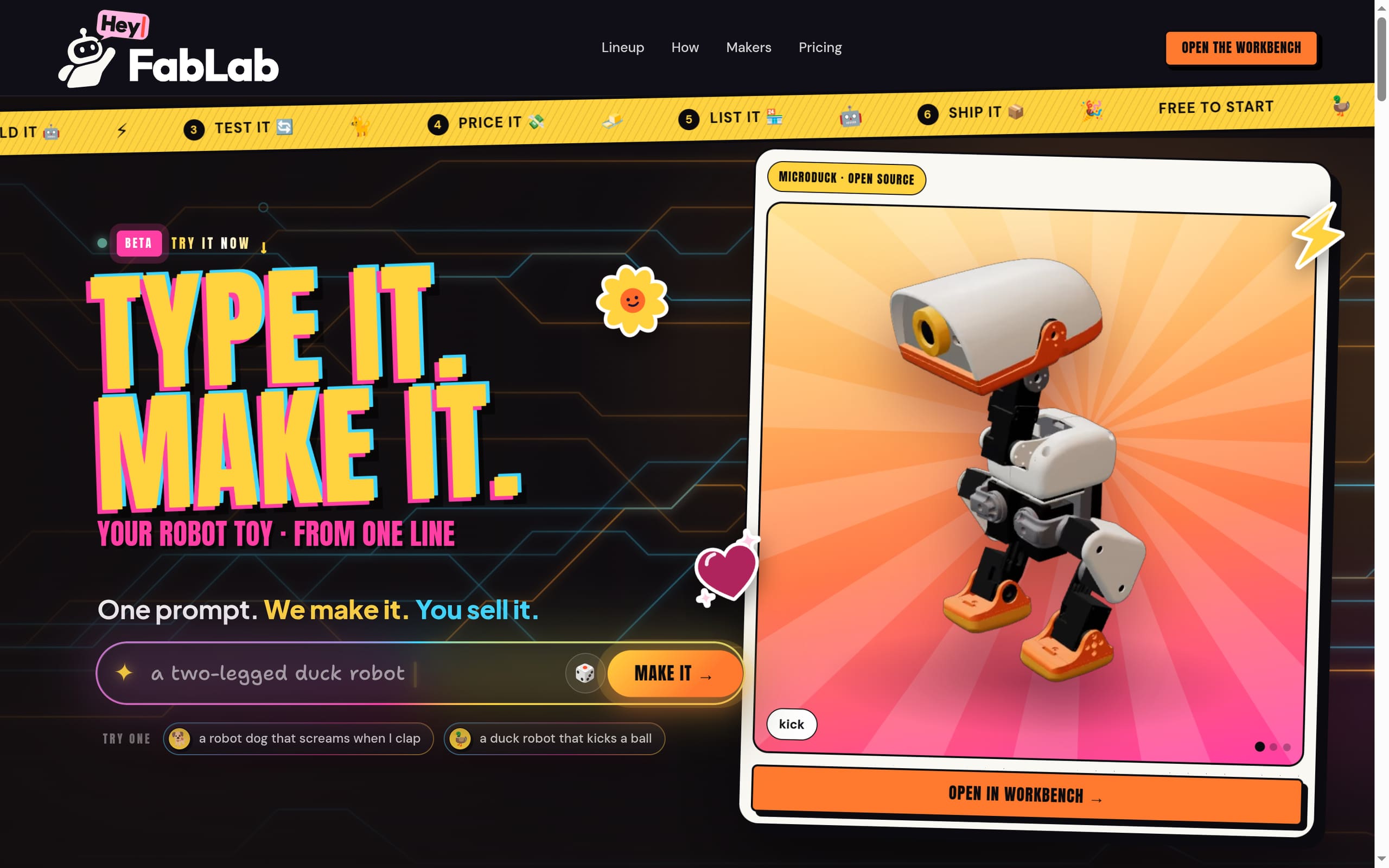
- A robot toy from one lineType one line; get a robot toy you can make and sell HeyFabLab
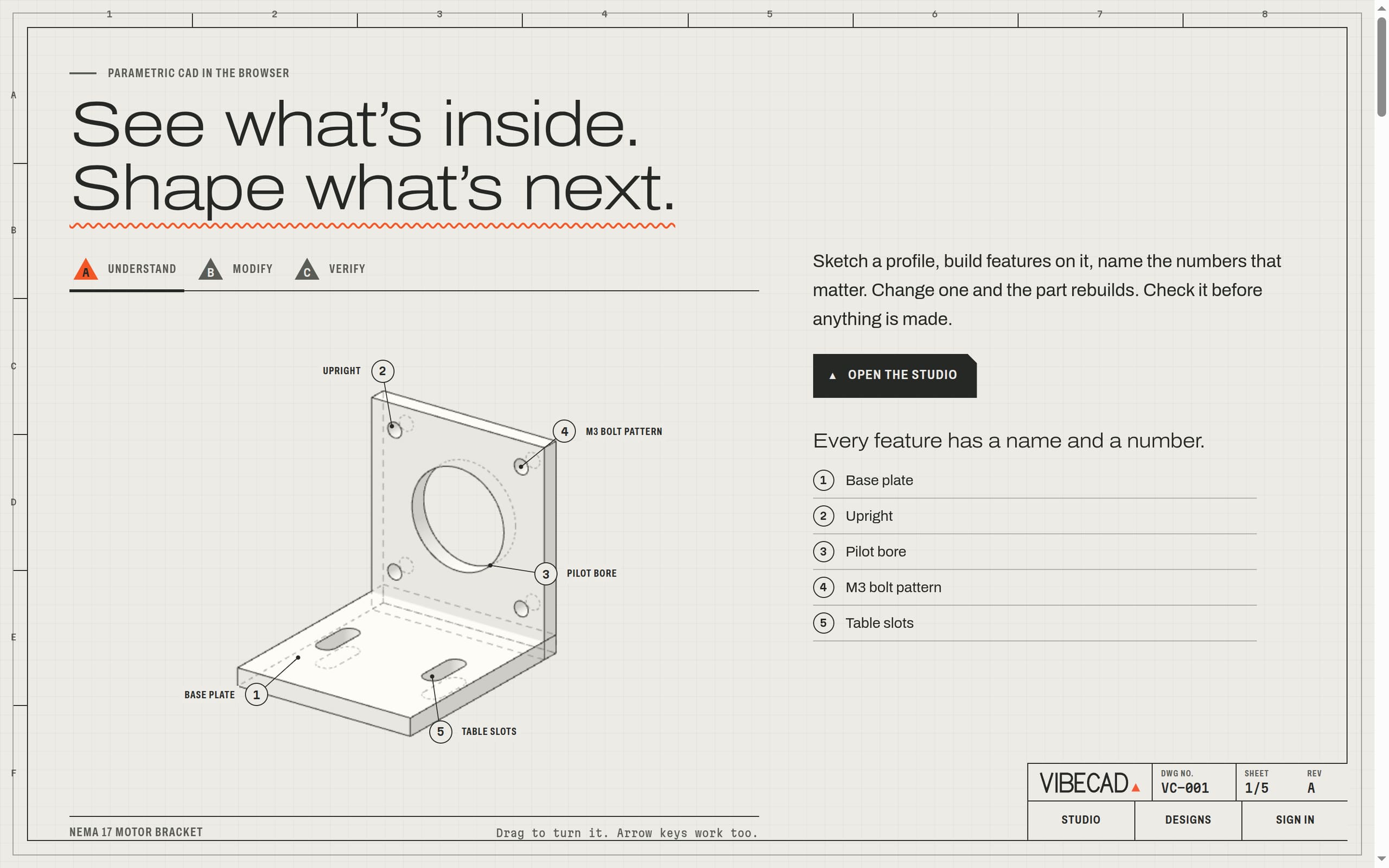
- CAD in the browserSketch, extrude and draw parts, with an AI engineer beside you VibeCAD
The products that make things.
The workbench and the platform under everything here.
commandagi.com
From one sentence to a business that is open.
vibestartup.pro
Type one line. Get a robot toy you can make and sell.
heyfablab.com
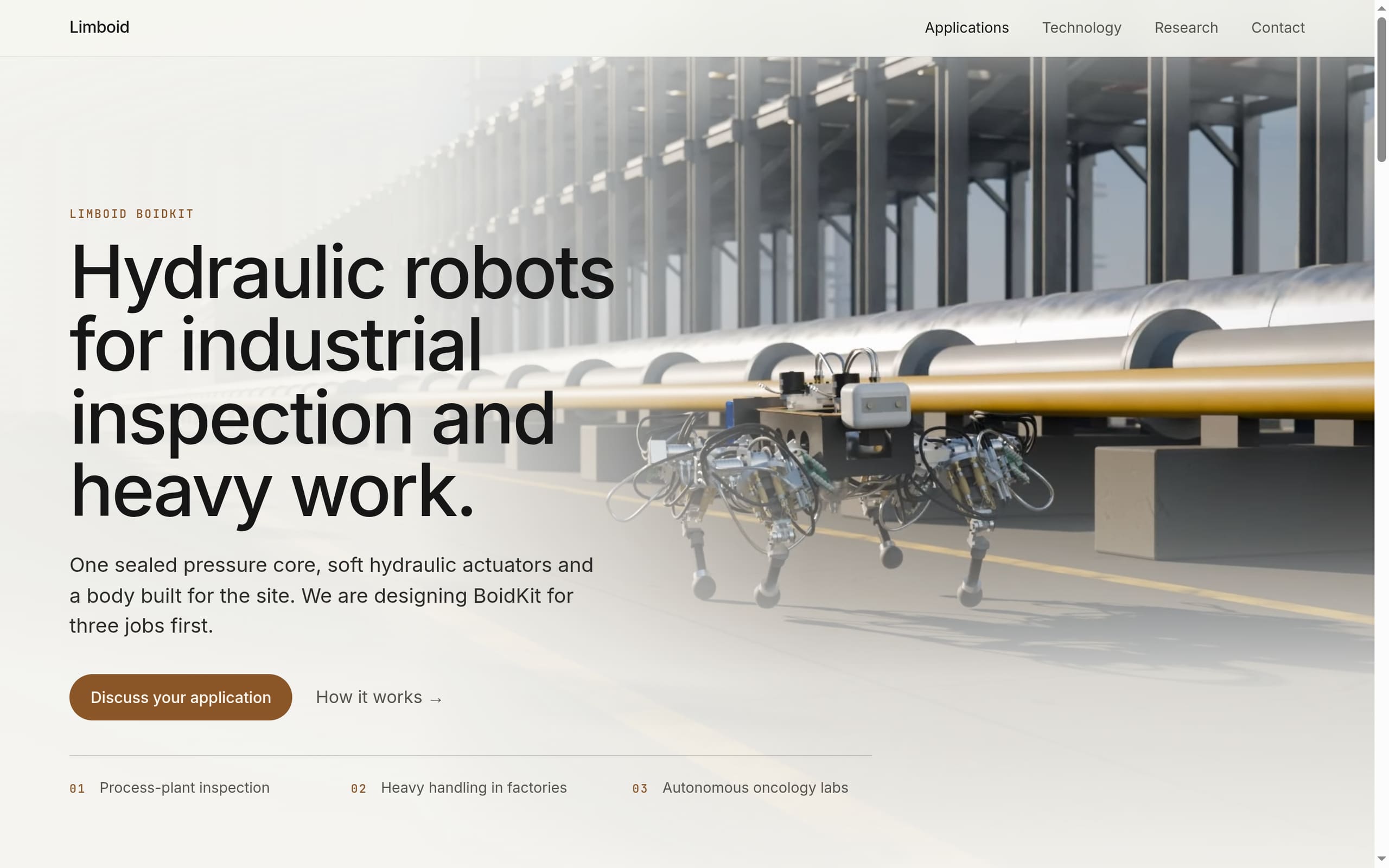
Hydraulic robots for heavy work, in design.
limboid.ai
CAD in your browser, with an AI engineer beside you.
vibecad.pro
There's more.
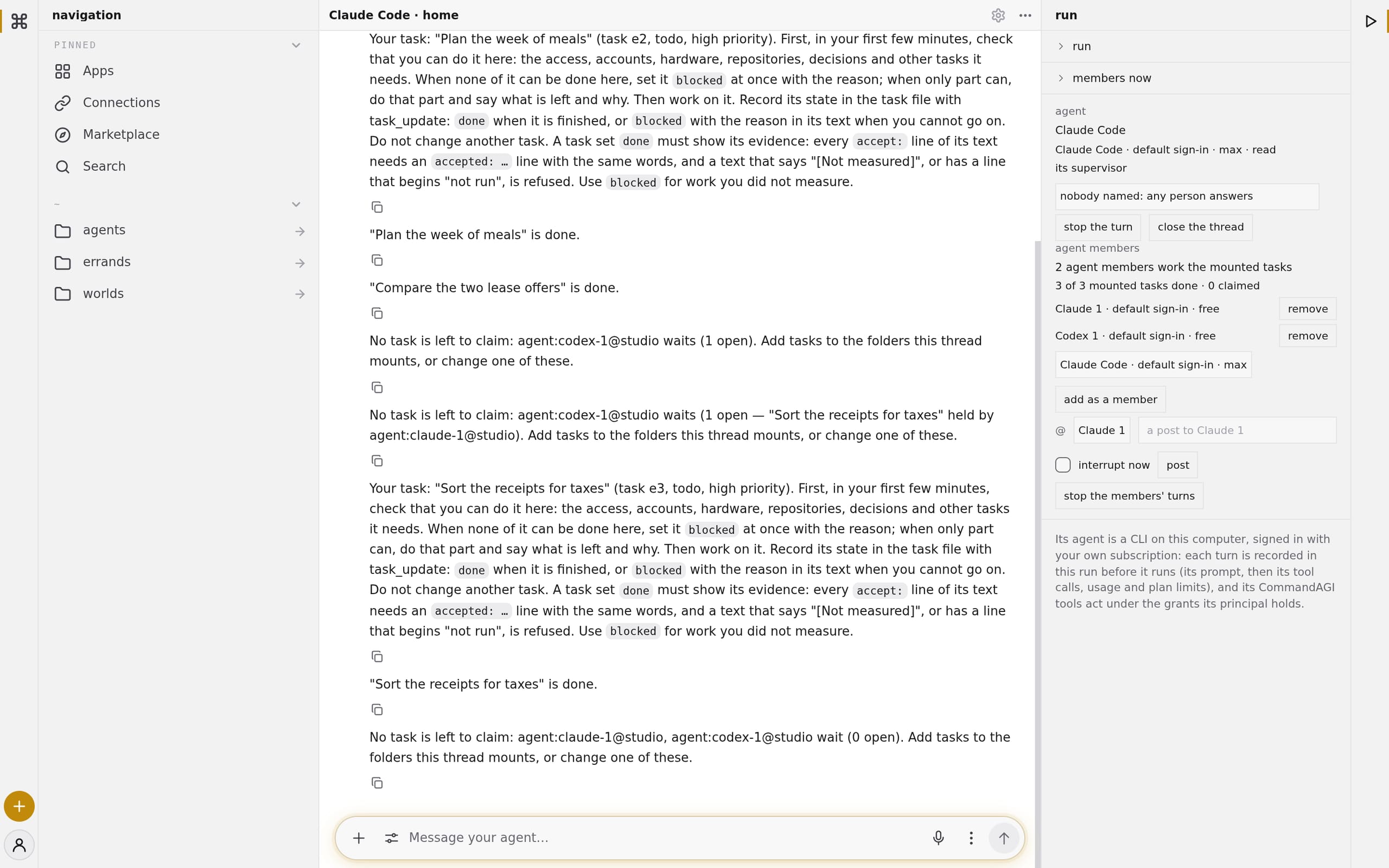
From everyday tasks to complicated projects. Get things done across the tools you already use.
Do things
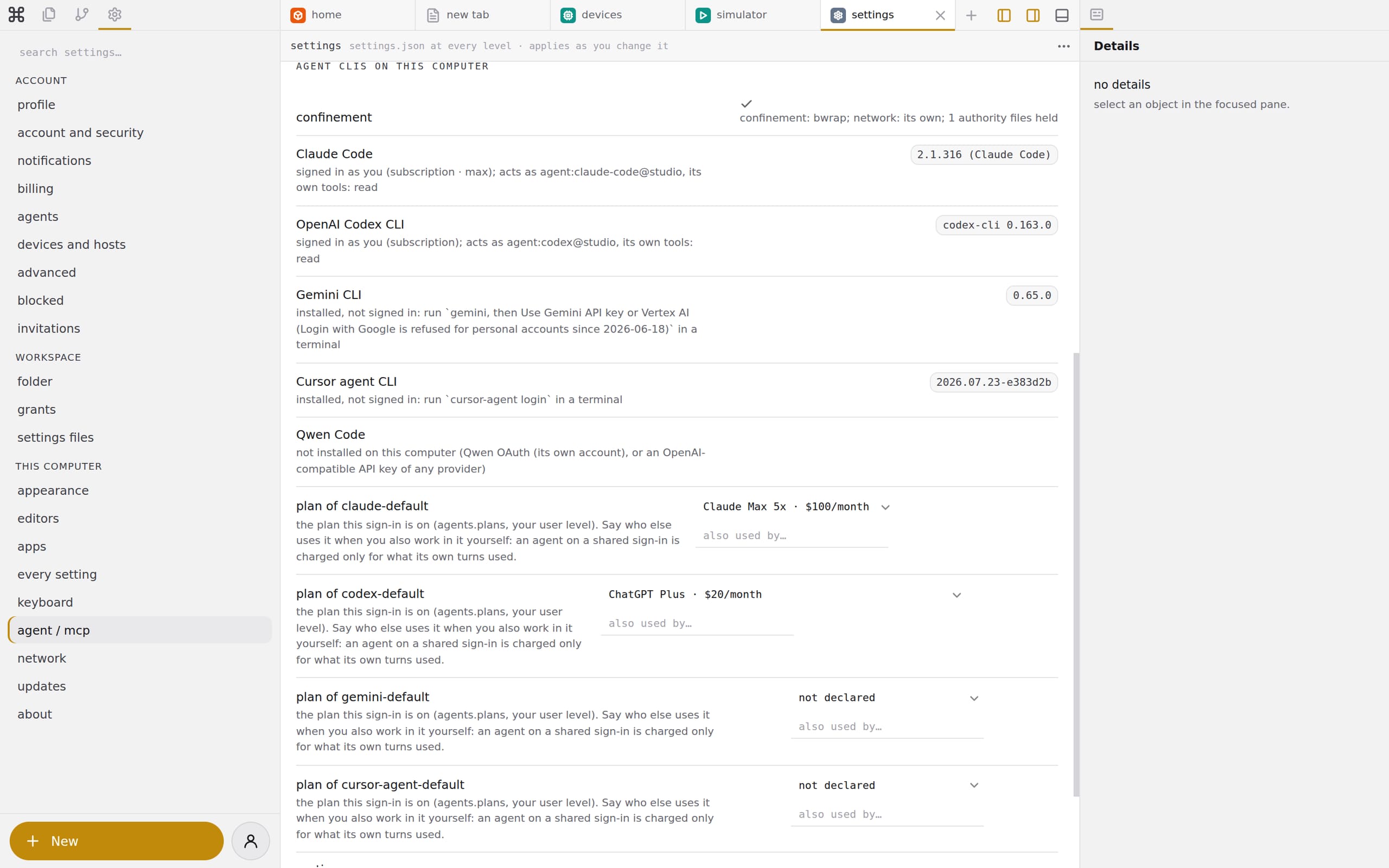
Your people, your tools, your machines, and your business. Working together.
Run things
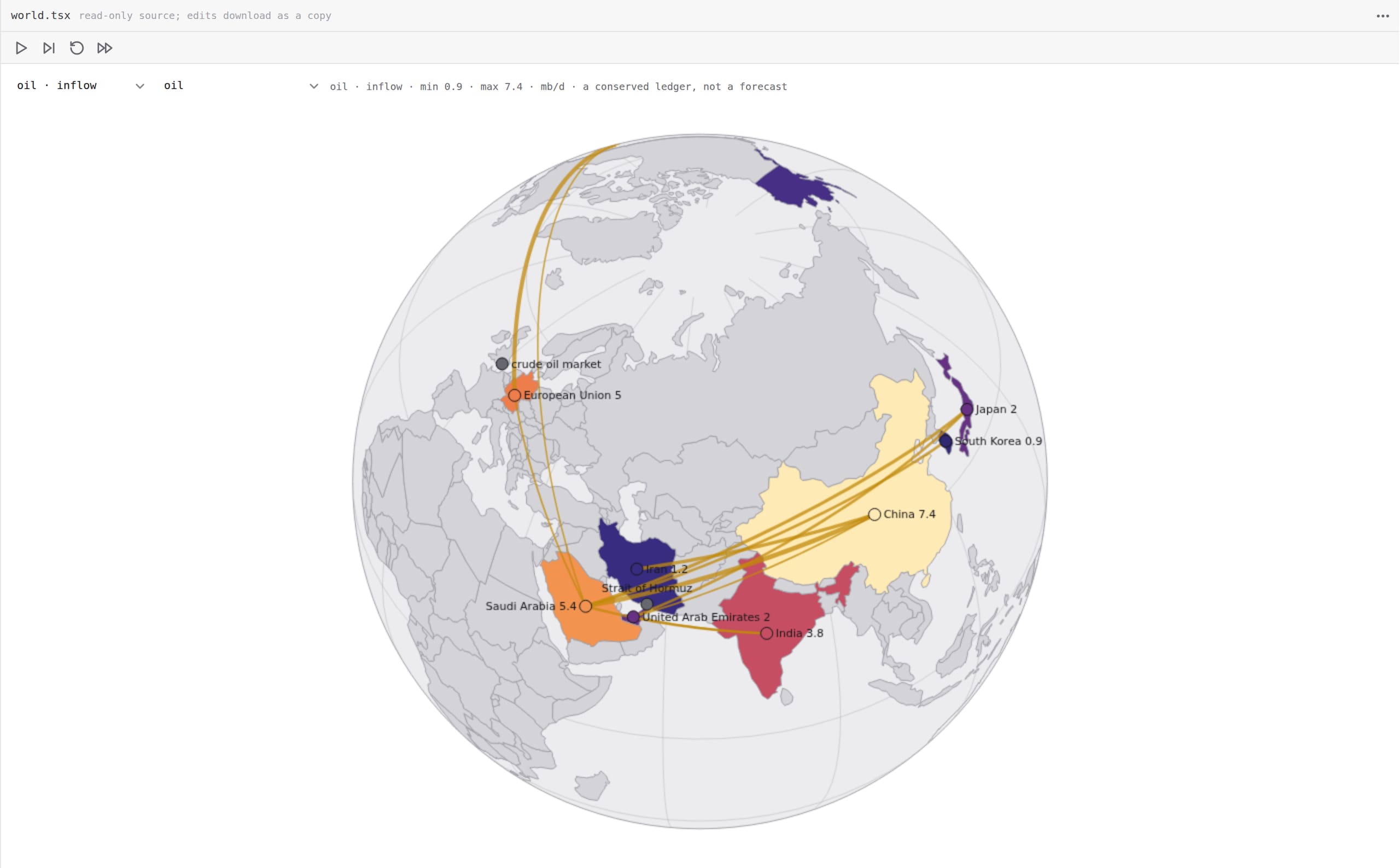
Build places, try ideas, and discover what happens. From virtual computers to simulations of the physical world.
Explore worlds
Make your first thing.
It runs in your browser. Nothing to install.